Home»Products»ReplyButler for Outlook»ScreenshotsWebsite updated: Apr 25, 2024
Compatible
 | to Windows 11, 10, 8.1, 7, Vista, 2003 Outlook 2021, 2019, 2016, 2013, 2010, 2007, 2003, 2000 Intel/AMD, not ARM, not One/Monarch Exchange, Microsoft 365 (Office 365) |
Customer Rating
196 ratings for ReplyButler with an average of 4.42:

References
ReplyButler - Screenshots
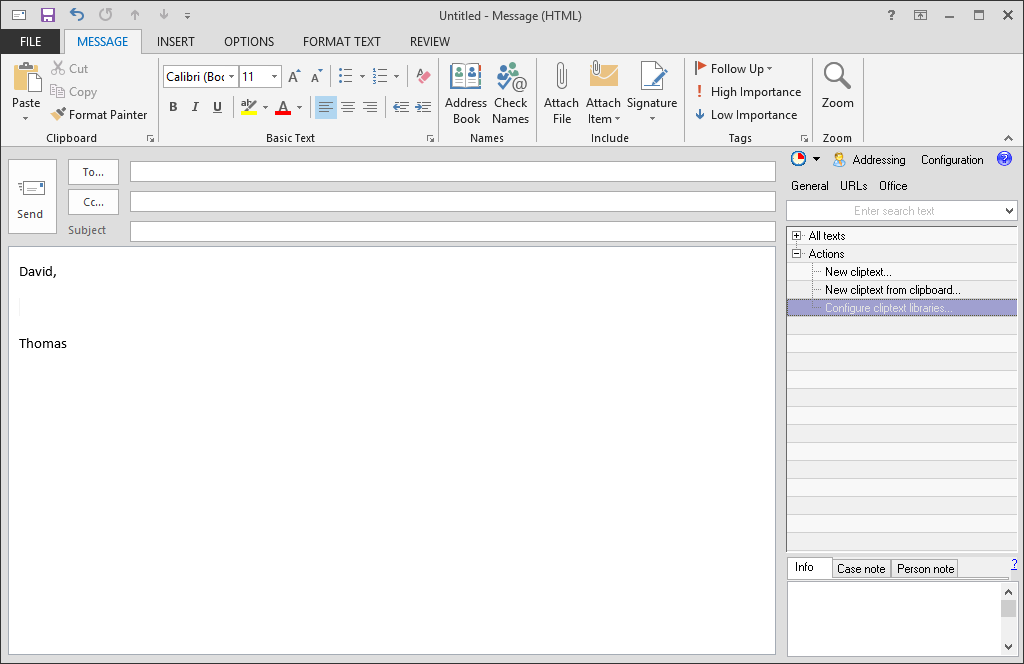
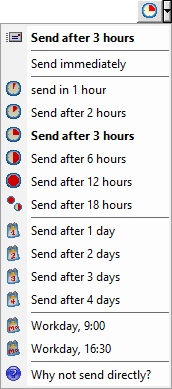
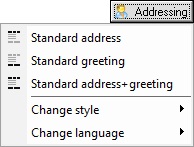
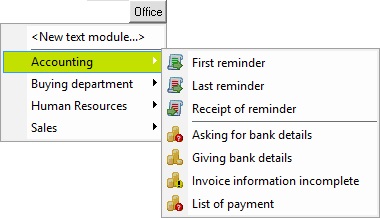
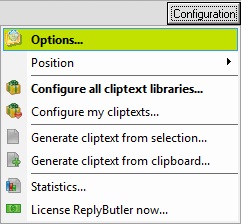
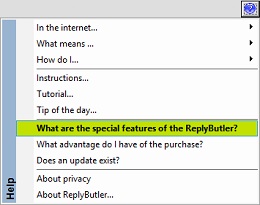
Here you can see an overview of the most important items of the ReplyButler sidebar: Send e-mails with a delay, change the addressing, canned texts for the office, the option menu and the help. Move the mousecursor over any screenshot to enlarge it or view more screenshots from these categories:| Sidebar | Canned texts | Options | ||||||||||||||||||||
| ||||||||||||||||||||||
Sync Outlook ·
Synchronize Files ·
Sitemap ·
PAD ·
EULA · Uninstall · Mobile version ·
© 1999-2024 ITSTH