Hogar
»
Productos
»
Easy2Sync for Outlook
»
Capturas de pantalla
Espacio actualizado: Dec 16, 2011
Sumario
Características
Capturas de pantalla
Descarga
Ayuda + FAQ
Cómpralo ahora
Screenshots
Here you can see an overview of the most important screenshots. Move the mouse cursor over any screenshot to enlarge it or view more screenshots from these categories:
General
Features
All menus
Configuration
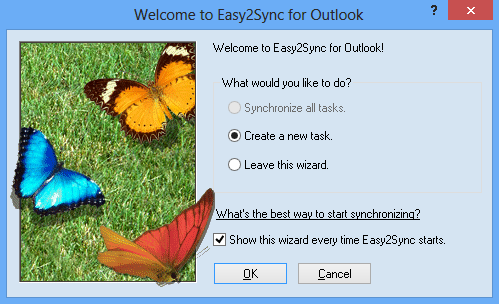
Start wizard
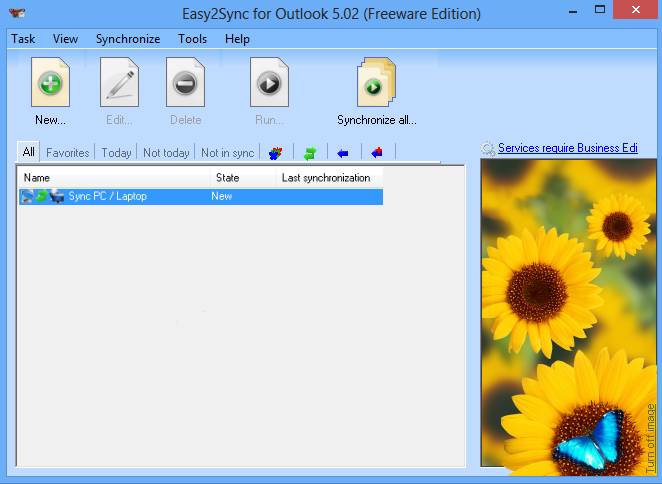
Main screen
(
=> Menus
)
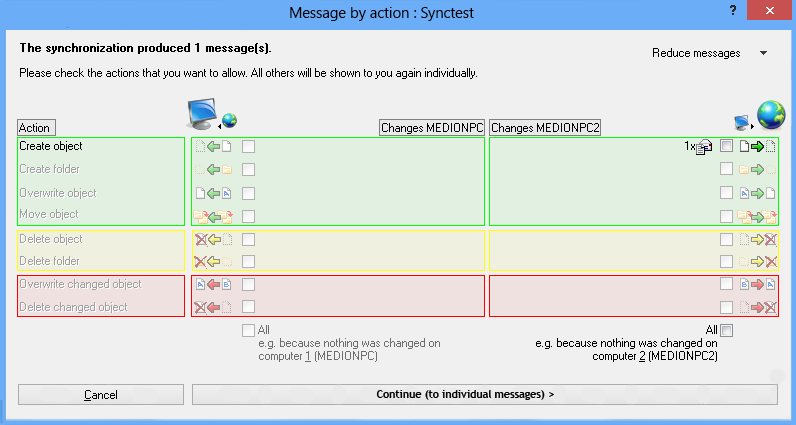
Requests (by category)
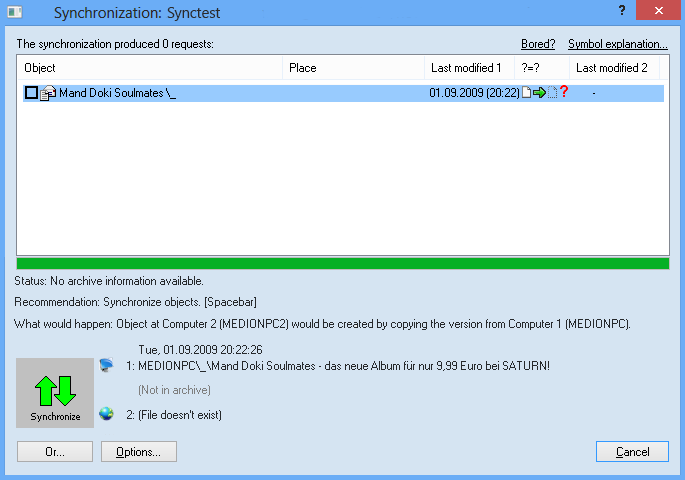
Requests (individually)
Note: The requests in general and the request wizards can be turned off in the options.
Download the Freeware Edition now »
Buy the Business Edition now! »
Sync Outlook
·
Synchronize Files
·
Sitemap
·
PAD
·
© 1999-2012 ITSTH
Productos
1-Click Duplicate Delete for Files
Eliminar Duplicados con 1 Clic para Outlook
Company Logo Designer
Easy2Sync for Files
Easy2Sync for Outlook
ReplyButler
TheBest Minimize to Tray
Comprar
Home-Edition
Business-Edition
Cuál edition?
as Easy2Sync-Bundle (-25%)
as Big Bundle (-35%)
Descarga
Demo
Registered version
Ayuda
Differences Easy2Sync for Files / Outlook
Questions about the Freeware Edition
Can the software...
System requirements / Network
Advanced questions
Compra & Descarga
Forgot registration key
Contacto
Contacto
Sobre ITSTH
Press
Newsletter & Blog
Otras cosas
Español (change)
Deutsch
English